



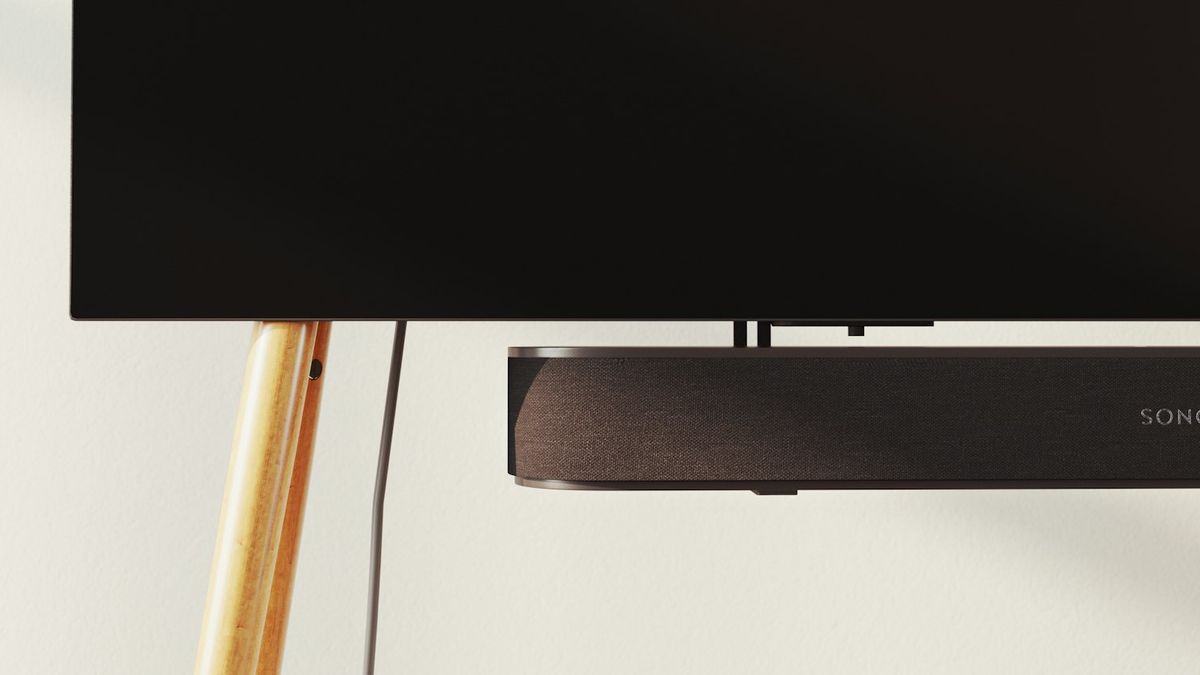
When a Hisense TV and soundbar won't work together, the cause is nearly always an HDMI-ARC or eARC handshake failure, not a broken cable or faulty soundbar. The rest come down to Bluetooth pairing drift, a wrong audio-out format like Atmos over ARC, or Hisense's Auto Sound Boost fighting the soundbar's EQ.
Table of contents(15)+
- 01Quick decision tree
- 02Fix 1 — HDMI-ARC handshake reset (the 30-second fix)
- 03Fix 2 — Set TV audio output to ARC + format to Auto
- 04Fix 3 — Disable Auto Sound Boost + similar features
- 05Fix 4 — eARC latency mismatch (lip-sync fix)
- 06Fix 5 — Bluetooth soundbar drift (2.4 GHz interference)
- 07Fix 6 — HDMI-CEC off (TV remote volume not working)
- 08If none of the 6 fixes worked
- 09Prevent this from happening again
- 10FAQ
- 11Does HiRemote fix Hisense soundbar issues?
- 12What HDMI port is ARC on Hisense TVs?
- 13Why does my Hisense TV sound cut out with a Sonos Beam?
- 14Can I use the TV speakers and soundbar at the same time?
- 15Related guides
If your Hisense TV and soundbar aren't talking to each other, the top cause is an HDMI-ARC or eARC handshake failure. It's rarely a broken cable or a faulty soundbar. Other causes include Bluetooth pairing drift and mismatched audio formats. For example, Dolby Atmos over ARC fails if the soundbar only supports PCM. Hisense's own Auto Sound Boost feature can also fight the soundbar's EQ. Six fixes below, in the order I check them, fastest first.
Quick decision tree
| Symptom | Most likely cause | Jump to |
|---|---|---|
| No sound at all through soundbar | ARC handshake failed | Fix 1 |
| Sound cuts in and out | Auto Sound Boost interference | Fix 3 |
| Audio delay / lip-sync off | eARC latency mismatch | Fix 4 |
| Bluetooth soundbar keeps dropping | 2.4 GHz Wi-Fi interference | Fix 5 |
| Volume control doesn't work on TV remote | CEC-HDMI turned off | Fix 6 |
Fix 1 — HDMI-ARC handshake reset (the 30-second fix)
Hisense TVs support HDMI-ARC or eARC on only one HDMI port. The exact port varies by model — often HDMI 3 on VIDAA U-series sets, or HDMI 4 on newer U8K/U9K sets. Plugging the soundbar into any other port kills the audio return.
- Check the label on your TV's HDMI ports. Look for "ARC" or "eARC" printed next to the port. That is the only one that works.
- Power the TV and soundbar completely off (unplug both for 30 seconds).
- Plug the HDMI cable from soundbar's HDMI OUT (ARC) into the TV's HDMI ARC/eARC port only.
- Plug both back in, power on the TV first, then the soundbar.
- Wait 15 seconds for HDMI-CEC to hand-shake before pressing volume.
This solves most "no sound" cases.
Fix 2 — Set TV audio output to ARC + format to Auto
Some Hisense TVs default the audio output to internal speakers even after you plug in ARC.
- VIDAA: Settings → Sound → Audio Output → HDMI-ARC (or eARC)
- Roku TV: Settings → Audio → S/PDIF and ARC → set to Auto or Dolby-D
- Google TV: Settings → Display & Sound → Sound → Speakers → HDMI-ARC output
- Fire TV Edition: Settings → Display & Sounds → Audio → Surround Sound → Best Available
Then set audio format to Auto (not Dolby Atmos or PCM manually). Auto lets the TV and soundbar negotiate the best supported codec.
Fix 3 — Disable Auto Sound Boost + similar features
Hisense TVs ship several audio-enhancement features that interfere with soundbars' own DSP.
- Auto Sound Boost — set to Off
- Volume Leveler — set to Off
- Dolby Volume Leveler — set to Off
- Sound Mode → Standard (not Movie or Music)
Every one of these features tries to normalize volume, which conflicts with the soundbar's own volume curve and causes the "cutting in and out" symptom.
Fix 4 — eARC latency mismatch (lip-sync fix)
If dialogue is offset from mouths by 100+ ms, the issue is eARC audio-video sync. Fixes in order:
- Check the soundbar's Lip Sync Delay setting — typically 0-500 ms range. Start at 40 ms and adjust in 20 ms increments.
- Some Hisense TVs also have their own Audio Delay setting under Settings → Sound → Advanced. Set to 0 unless soundbar does not support its own delay.
- Update TV firmware. Hisense periodically ships fixes for eARC and HDMI timing issues. Install the latest VIDAA update if one is available.
- If you use a game console via the TV → soundbar chain, turn on ALLM. Enable Auto Low Latency Mode on the console itself.
Fix 5 — Bluetooth soundbar drift (2.4 GHz interference)
Some Hisense TVs connect to soundbars via Bluetooth (Sonos Beam, JBL Bar 300, Vizio M-series wireless). Bluetooth operates on 2.4 GHz — the same band as most home Wi-Fi.
- Switch your home Wi-Fi to 5 GHz-only for devices near the soundbar.
- Move the soundbar's Bluetooth pairing distance to under 3 meters from the TV.
- Re-pair — TV Settings → Bluetooth → forget soundbar, then re-add.
- If drift persists, wire the soundbar via HDMI-ARC instead — always more reliable than Bluetooth for TV audio.
Fix 6 — HDMI-CEC off (TV remote volume not working)
If the TV remote's volume buttons stopped controlling the soundbar's volume, CEC is off. CEC is what lets one remote control multiple HDMI devices.
- VIDAA: Settings → System → HDMI-CEC → On
- Roku TV: Settings → System → Control other devices (CEC) → System audio control On
- Google TV: Settings → Device preferences → Inputs → HDMI Control On
- Fire TV Edition: Settings → Display & Sounds → HDMI CEC Device Control On
Also enable CEC on the soundbar itself (the naming varies: Anynet+ for Samsung, Bravia Sync for Sony, Simplink for LG, and just "HDMI-CEC" for most others).
If none of the 6 fixes worked
Two remaining causes:
- Bad HDMI cable — the cable that came in the soundbar box is often HDMI 1.4 which cannot carry ARC properly. Buy an HDMI 2.1 High Speed cable rated for ARC/eARC (any brand, ~$10).
- Firmware regression on the soundbar — check the soundbar manufacturer's site for firmware updates.
If you've reached this point and it still does not work, the soundbar may need a full factory reset (usually a 10-second press on the soundbar's power + volume-down buttons — check the specific soundbar manual).
Prevent this from happening again
Two habits that stop nearly all future Hisense TV + soundbar issues:
- Don't unplug HDMI while the TV is on. HDMI-ARC handshake state is lost each time — always power off both first.
- Turn off firmware auto-update on both devices. Install updates manually instead, so you can roll back if one breaks ARC.
FAQ
Does HiRemote fix Hisense soundbar issues?
No — soundbar handshake happens between the TV and soundbar via HDMI, not through any app. Fix it via the TV's audio settings using the steps above. HiRemote can control the TV volume once the fix is in place, so the app helps if the physical remote itself is broken — and if the remote is missing entirely, see how to turn on a Hisense TV without the remote to get the TV powered on first.
What HDMI port is ARC on Hisense TVs?
Varies by model — usually HDMI 3 on VIDAA U-series, HDMI 4 on U8K and U9K. Check the printed label on the port. Only one HDMI port supports ARC/eARC on any given TV.
Why does my Hisense TV sound cut out with a Sonos Beam?
Sonos Beam is Bluetooth+HDMI-ARC. If Bluetooth is enabled, disable it and use HDMI-ARC only — the two connections fight each other.
Can I use the TV speakers and soundbar at the same time?
Some Hisense TVs support this via Settings → Sound → Audio Output → HDMI-ARC + TV Speakers. Others force one or the other.
