

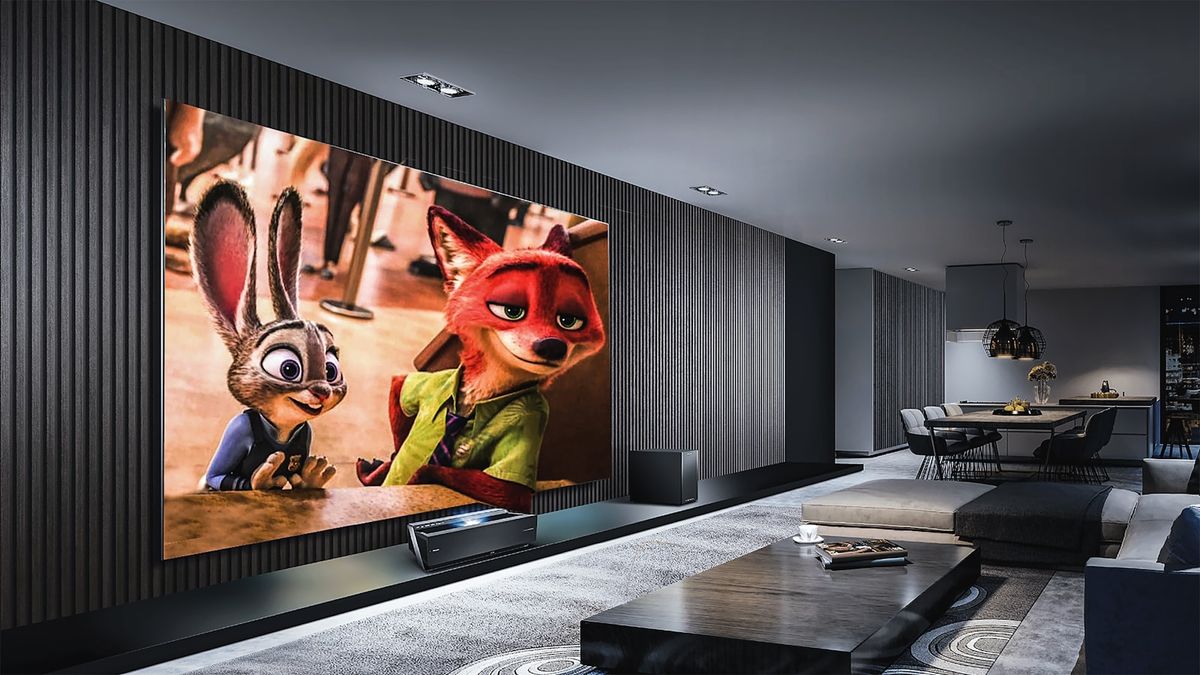
Most Hisense TVs ship with picture settings tuned for the showroom, too bright, oversaturated, and with motion smoothing switched on, so the defaults look wrong for almost everyone at home. Dialing back brightness and saturation and turning motion smoothing off gives a far more natural, accurate picture in a normal room.
Table of contents(21)+
- 01The 5 settings to change first
- 021. Turn off motion smoothing
- 032. Turn down brightness, up local dimming
- 043. Disable Vivid mode
- 054. Turn off auto-volume
- 065. Game Mode for game consoles
- 07Optimal settings by content
- 08For movies (Cinema/Movie Mode)
- 09For sports
- 10For gaming
- 11Sound settings
- 12Sound mode "Theater" or "Movie"
- 13AI Sound (U-series, ULED)
- 14Dialog Enhancer
- 15Soundbar setup
- 16Settings to leave alone
- 17FAQ
- 18What is the best picture mode for a Hisense TV?
- 19Should I turn on motion smoothing?
- 20What is the best picture mode for a Hisense TV?
- 21Related guides
Out of the box, most Hisense TVs ship with picture settings dialed for the showroom — overly bright, oversaturated, with motion smoothing turned on. The defaults are wrong for almost everyone. Here are the settings I dial in on every Hisense I set up. Still deciding which Hisense to buy? Our ULED vs QLED vs OLED guide explains which panel tier is worth paying for.
The 5 settings to change first
1. Turn off motion smoothing
Settings → Picture → Picture Mode → Custom → Motion Settings → Motion Smoothing → Off (or Low).
The "soap opera effect" is what most people complain about. Motion smoothing inserts fake frames, making 24fps movies look weirdly fluid. Turn off for movies. Low/Medium for sports.
2. Turn down brightness, up local dimming
Settings → Picture → Backlight → 70-80% (not 100). Local Dimming → High.
3. Disable Vivid mode
Settings → Picture → Picture Mode → Movie / Cinema (not Vivid).
4. Turn off auto-volume
Settings → Sound → Auto Volume Leveling → Off.
Off for movies; on for sports/news where you channel-flip.
5. Game Mode for game consoles
Settings → Picture → Game Mode → On. Reduces input lag from ~80ms to ~15ms.
Optimal settings by content
For movies (Cinema/Movie Mode)
| Setting | Value |
|---|---|
| Picture Mode | Movie or Cinema |
| Backlight | 70% (dim) / 80% (normal) |
| Brightness | 50 |
| Contrast | 80-85 |
| Color | 50 |
| Color Temp | Warm 1 or Warm 2 |
| Local Dimming | High |
| Motion Smoothing | Off |
| Sharpness | 0-10 |
For sports
Picture: Sports or Standard. Backlight 85-95%. Motion Smoothing Medium. Color 55-60.
For gaming
Picture: Game. Backlight 80-90%. Motion Smoothing OFF (adds latency). Local Dimming Low or Off. ALLM On. VRR On (U8K and up).
Sound settings
Sound mode "Theater" or "Movie"
The default "Standard" tries to be neutral and ends up dull.
AI Sound (U-series, ULED)
Auto-detects content type and adjusts EQ. Actually works well.
Dialog Enhancer
Boosts the center channel. Helps when watching with hard-of-hearing viewers.
Soundbar setup
Settings → Sound → Audio Output → SPDIF Pass-through.
Settings to leave alone
- Sharpness above 30 — adds halo artifacts
- Dynamic Contrast — causes flicker on dark scenes
- Noise Reduction above Low — washes out detail
- Auto Picture Mode — switches mid-content based on guess
FAQ
What is the best picture mode for a Hisense TV?
Movies: Movie/Cinema mode. Sports: Sports/Standard. Gaming: Game. Avoid Vivid — oversaturates.
Should I turn on motion smoothing?
Movies: no. Sports: Low/Medium. Gaming: never (adds latency).
What is the best picture mode for a Hisense TV?
Stores set TVs to Vivid mode at 100% backlight. Switch to Movie at 70-80% for normal-room calibration.