

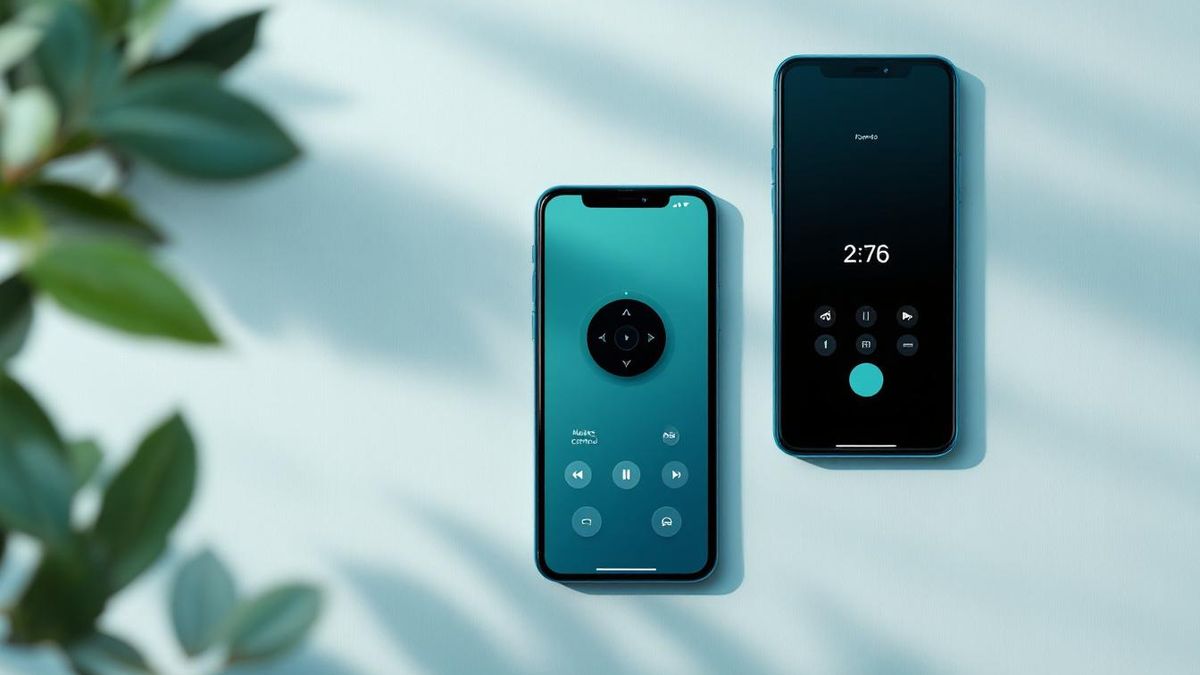
If your Hisense TV runs VIDAA, both apps work, but HiRemote sits at 4.5 stars (1,420 US ratings) versus RemoteNOW's 1.9 stars. If your Hisense runs Roku TV, Google TV, or Fire TV Edition, RemoteNOW doesn't work at all, so HiRemote is the only real choice there.
Table of contents(15)+
- 01Ratings side-by-side (US App Store, July 2026)
- 02The 4 things RemoteNOW breaks — every time
- 03What HiRemote does differently — feature-by-feature
- 04When RemoteNOW is actually the right choice
- 05Migration guide — switching from RemoteNOW to HiRemote in 30 seconds
- 06What happens if Hisense forces RemoteNOW in a future update?
- 07FAQ
- 08Is HiRemote a Hisense product?
- 09Does HiRemote work with all Hisense TVs?
- 10Is HiRemote actually free?
- 11Which app has better voice search?
- 12Does HiRemote work when the TV is off?
- 13Which one is safer with my data?
- 14Why does RemoteNOW have 28,000+ ratings if it's rated 1.9?
- 15Related guides
Short answer: if your Hisense TV runs VIDAA, both apps technically work — but HiRemote sits at 4.5★ with 1,420 US ratings vs RemoteNOW at 1.9★ with 28,000+ ratings. If your Hisense runs Roku TV, Google TV, or Fire TV Edition, RemoteNOW does not work at all and the comparison ends there. This post is the head-to-head every VIDAA owner wants before installing either.
Ratings side-by-side (US App Store, July 2026)
| App | US rating | MX rating | UK rating | Ratings count (US) | Platforms |
|---|---|---|---|---|---|
| HiRemote | 4.5 ★ | 4.6 ★ | 3.9 ★ | 1,420 | VIDAA + Roku + Google TV + Fire TV |
| RemoteNOW (official) | 1.9 ★ | 1.8 ★ | 2.1 ★ | 28,000+ | VIDAA only |
The 28K ratings on RemoteNOW is not a sign of quality — it is a sign of scale. Every new VIDAA TV since 2019 has been shipped with a prompt to install RemoteNOW, so the download count is huge, and unhappy users overwhelmingly leave 1-star reviews.
The 4 things RemoteNOW breaks — every time
Reading the 1- and 2-star reviews of RemoteNOW, four themes come up in almost every complaint. These are the exact pain points HiRemote was built to solve.
- Forced Hisense Connect account — you have to sign up, hand over your email, wait for a verification code, and confirm — before the app will even try to pair with a TV you already own. HiRemote pairs with no account, no email, no signup.
- Breaks after firmware updates — VIDAA pushed firmware updates in 2024 and again in 2025 that broke RemoteNOW pairing for weeks. Hisense typically ships RemoteNOW updates 2-4 weeks after the firmware causing the issue. Third-party apps ship fixes within 24-48 hours because they are not coordinating with the TV vendor's release schedule.
- Ads inside the remote UI — RemoteNOW shows sponsored promotions in the app itself. Banner ads directly above the D-pad on a utility app you tap dozens of times per day is user-hostile. HiRemote has zero ads even in the free tier.
- Missing basic features — no QWERTY keyboard for typing in passwords, no touchpad for fast navigation, no Apple Watch companion, no Lock Screen widget. HiRemote ships all four as base features.
What HiRemote does differently — feature-by-feature
| Feature | HiRemote | RemoteNOW |
|---|---|---|
| Pairing time (fresh install) | 30 seconds | 3-8 minutes (account + verification) |
| Account required | No | Yes (Hisense Connect) |
| Ads in the remote UI | No | Yes (banner above D-pad) |
| Platforms supported | VIDAA + Roku + Google TV + Fire TV | VIDAA only |
| QWERTY keyboard | Yes | No |
| Touchpad navigation | Yes | Numeric pad only |
| Apple Watch companion | Yes (Pro) | No |
| Lock Screen widget | Yes (Pro) | No |
| Voice search | Where the TV supports it | Where the TV supports it |
| App shortcuts (Netflix / YouTube / etc.) | Yes | Yes |
| D-pad + volume + channel | Yes | Yes |
| Free tier | Full features | Full features (+ ads) |
| Pro tier | $9.99/year (region varies) | N/A |
When RemoteNOW is actually the right choice
Honest section — because the answer is not "always HiRemote."
Pick RemoteNOW if:
- You already have a Hisense Connect account for another product (Hisense refrigerator, Hisense washer, VIDAA subscription).
- You use VIDAA Voice heavily and want first-party integration for edge-case commands.
- You do not care about ads and you refuse to install anything Apple's App Store flags as "not from the TV manufacturer."
- You bought the TV in 2018 or earlier and want the exact experience Hisense shipped with that model year.
For everyone else — and especially anyone with mixed platforms (VIDAA in the living room, Roku TV in the bedroom, Google TV in the kitchen) — HiRemote is the honest recommendation.
Migration guide — switching from RemoteNOW to HiRemote in 30 seconds
You do not need to uninstall RemoteNOW to try HiRemote — the two apps can coexist without conflict.
- Install HiRemote from the App Store — free, 25 MB, no account.
- Make sure your iPhone and TV are on the same Wi-Fi.
- Open HiRemote — it auto-scans and finds your TV.
- Tap your TV. A 4-digit PIN appears on the TV. Enter it in the app.
- Done. Both apps now work; you can delete RemoteNOW later once you are sure.
If you want to keep RemoteNOW installed as a backup for VIDAA Voice, that is fine — HiRemote does not fight it.
What happens if Hisense forces RemoteNOW in a future update?
Common concern. Hisense controls the TV firmware, so in theory they could disable the local API HiRemote uses. In practice this has not happened because:
- The local pairing API is the same protocol AirPlay 2 and Chromecast use for casting — Hisense cannot break it without breaking iPhone screen mirroring.
- Hisense has been steadily opening the platform, not closing it — VIDAA U7K adds first-party AirPlay 2, and the 2026 U9K adds public Matter smart-home API.
- If the API changed, HiRemote would ship a compatibility update within 48 hours — we monitor firmware releases actively.
FAQ
Is HiRemote a Hisense product?
No. HiRemote is a third-party app built by an independent developer. RemoteNOW is Hisense's official app. Being third-party is what lets HiRemote skip the Hisense Connect account requirement and ship faster updates.
Does HiRemote work with all Hisense TVs?
Yes — VIDAA, Roku TV, Google TV, and Fire TV Edition are all supported. HiRemote auto-detects which platform your specific model runs. RemoteNOW only works with VIDAA models.
Is HiRemote actually free?
The free tier includes every remote-control function (D-pad, volume, keyboard, touchpad, app shortcuts). The Pro tier ($9.99/year, pricing varies by country) adds the Apple Watch app, Lock Screen widget, and custom button layouts.
Which app has better voice search?
Tied. Both apps forward voice queries to the TV's native voice engine (VIDAA Voice on VIDAA, Roku Voice on Roku TV, Google Assistant on Google TV, Alexa on Fire TV). Neither app has its own voice recognition — it depends on your TV.
Does HiRemote work when the TV is off?
Yes for power-on, if Wake-on-LAN is enabled in the TV's network settings (default on 2022+ VIDAA). HiRemote sends a magic packet over local Wi-Fi to wake the TV.
Which one is safer with my data?
HiRemote sends every remote command peer-to-peer from your iPhone to the TV over local Wi-Fi — nothing routes through our servers, no analytics on button presses. RemoteNOW routes some commands through Hisense Connect servers and tracks usage for analytics (per their privacy policy). Neither is a security risk, but HiRemote collects less data.
Why does RemoteNOW have 28,000+ ratings if it's rated 1.9?
Because every new VIDAA TV since 2019 prompts you to install RemoteNOW during setup, and unhappy users leave 1-star reviews. High rating count with low average is a scale story, not a quality story.
Related guides
- Best RemoteNOW alternatives for Hisense TVs (4 apps ranked)
- Best Hisense TV remote app for iPhone — 2026 comparison
- Hisense TV remote not working? 7 free fixes
- How to pair a Hisense remote to your TV
- How to use a Hisense TV without the remote (5 methods)
- All Hisense remote apps compared (2026)
- HiRemote vs the Google TV app for Hisense
