


How to measure TV size — and get the right distance
Type your TV's diagonal or your seating distance and get exact numbers — real dimensions with bezel, the largest size that fits your space, and the viewing distance that matches your resolution.
Recommended seating distance
8.3 ft – 10.1 ft
Closer end = THX's 36° reference angle (immersive). Farther end = SMPTE's 30° cinema reference angle.
At 65", don't sit closer than — or you may notice individual pixels:
- 1080P8.5 ft
- 4K4.2 ft
- 8K2.1 ft
“55-inch” means the glass, not the box
Every manufacturer measures a TV's advertised size the same way: diagonally, corner to corner of the visible screen only. The bezel around it — anywhere from a few millimeters on a recent slim-bordered set to over a centimeter on an older one — is never part of that number. That single fact is the most common size-measuring mistake: someone measures the whole front panel including the frame, gets a bigger number than the TV actually is, and the math for “will it fit” comes out wrong before it even starts.
It also means two different 65-inch TVs can need two slightly different widths of actual wall space, because their bezels aren't identical. The calculator above asks for your real bezel width for exactly that reason — a generic chart can't, because it only has room for one number per size.
Measure it
Diagonal, corner to corner, glass only
Check it fits
Real width and height, bezel included
Sit right
Distance matched to your resolution
The right size still needs the right remote
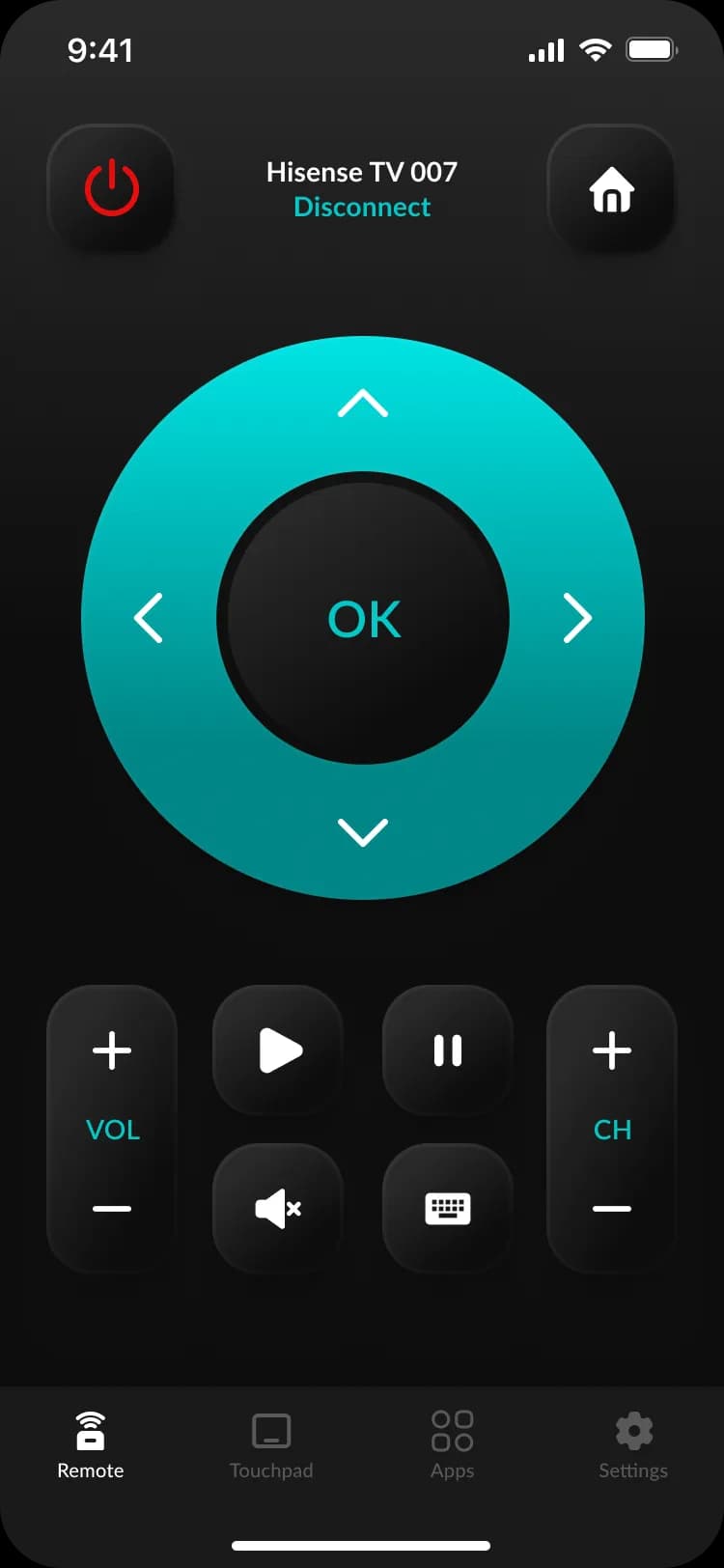
Once a Hisense TV is sized, bought, and on the wall, the free HiRemote app finds it on the same Wi-Fi network with no pairing code to copy off the screen. This is what it looks like in your hand: a full D-pad, power and volume, app shortcuts, and a QWERTY keyboard — useful the moment a bigger screen means a Netflix or Disney+ login you don't want to peck out letter by letter with the arrow keys.
Buying a different brand, or want to double-check which Hisense platform you're getting first? See which Hisense TV OS you have or read the full first-day setup guide.
Size sorted — now find the right wall height
Same room, same TV, one more number: where the bracket actually goes. Pick your room below, or open the full mounting height calculator for the over-fireplace tilt check and FAQ.
Couch seating — eye height is measured sitting upright on your actual sofa.
Sit where you'll watch from, measure floor to the middle of your eyes. Don't guess — a couch cushion height alone can be off by several inches.
Mount it at
Screen center, floor to center
3'6"
Bracket's bottom edge, floor to bottom
2'2"
Bottom-edge number accounts for your 65" screen's own height — it moves with diagonal, so re-check it if you change the size above.
Setting up the TV you just sized
TV mounting height calculator
Floor-to-center and floor-to-bracket height for your exact screen
First-day Hisense setup guide
Power on, Wi-Fi, remote pairing, first update
Which Hisense TV do you have?
VIDAA, Roku TV, Google TV, or Fire TV — find out in 30 seconds
Hisense model number guide
Decode the series and year from the model number
Questions about TV size and viewing distance
How do I measure my TV's size correctly?+
Measure diagonally, corner to corner of the glass — the visible screen only, never including the plastic bezel around it. That's what every manufacturer means by "55-inch" or "65-inch": the panel's diagonal, not the box width or the stand footprint. If you only have a tape measure and the TV already mounted, measuring the diagonal is still easier than trying to read a worn-off label on the back.
What size TV do I need for my room?+
It depends on how far your couch sits from the wall, not the room's total size. Enter your seating distance in the calculator above and switch to "I have a seating distance" — it gives you a size range between SMPTE's 30° cinema reference angle (the smaller, safer end) and THX's 36° reference angle (the bigger, more immersive end).
Does 4K let me sit closer than 1080p on the same TV?+
Yes, because 4K packs four times the pixels into the same screen height, each pixel is about half the physical size — so the distance at which individual pixels become visible to the eye is roughly half as well. The calculator's "Size & distance" tab shows that exact distance per resolution for whatever diagonal you enter, based on the standard visual-acuity limit of about 1 arc-minute.
Is TV size the same as the width I need on my stand or wall niche?+
No — "size" is the diagonal of the visible screen only. The width you actually need to clear is wider, because it has to include the bezel on both sides. Use the "Dimensions & fit" tab: pick "I have a TV size" to get the real width and height including bezel, or "I have a space to fill" to work backward from your niche's width to the largest diagonal that still fits.
Will a 65-inch TV fit in a 60-inch-wide space?+
A 65-inch 16:9 TV has a visible screen about 56.7 inches wide, so the panel itself clears a 60-inch space easily — but add roughly 1-2cm of bezel on each side and the total footprint can get close to that limit depending on the exact model. Enter your diagonal and your real bezel width (check the TV's spec sheet; it varies by model) in the "Dimensions & fit" tab to get an exact answer instead of a rough one.